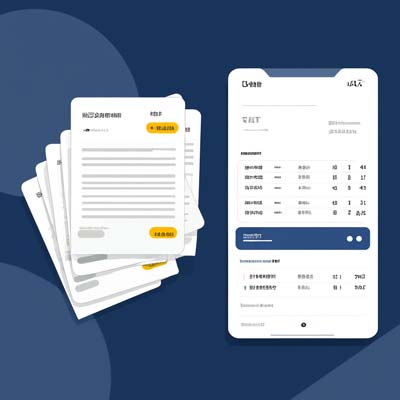
Receipt OCR
Restaurant Receipts → Expense Reports
Recognize merchant, date, amount and tax fields in bulk; export line items for reconciliation and reimbursement.
Image to text free: convert images to text instantly with our OCR tool. Extract text from photos, PDFs, and scanned documents with 98% accuracy. No signup, no limits, 100% free forever.
Drag and drop files here, or click the button below · Supports JPG, PNG, BMP, TIFF, GIF, PDF, AI, PSD, RAW, and more · Max 10 MB per file
Upload up to 10 files at once · Max 10 tasks in queue · Supports 30+ image and document formats
Upload images to start converting image to text free
Image to Text Free is a fast, accurate and 100% free online OCR tool that converts images, PDFs and scanned documents into editable text. Whether it’s photos of paper documents, invoices/receipts, classroom notes, or multi‑page PDFs, you can extract text in seconds — no signup, no limits, free forever.
Powered by AI OCR and multilingual models, it delivers high accuracy without sacrificing speed. It can preserve basic layout, output by lines/paragraphs, and handle batch tasks — ideal for study notes, office document organization and archival workflows.
Tip: For best accuracy, capture documents with good lighting, sharp focus, and horizontally aligned text.
File formats: JPG, JPEG, PNG, BMP, GIF, TIFF, WEBP, PDF, AI, EPS, PSD, XPS, DjVu, plus common RAW formats (CR2, NEF, ARW, DNG, RAF, etc.). Recommended max 10 MB per file. Batch upload and task queue supported.
Language support: 100+ languages including Chinese (Simplified/Traditional), English, Japanese, Korean, French, German, Spanish, Russian, Arabic, and more. Robust handling of mixed‑language text, numbers, symbols, and common formulas.
Recognize merchant, date, amount and tax fields in bulk; export line items for reconciliation and reimbursement.
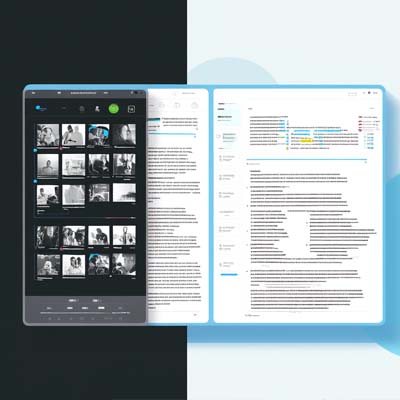
Convert photos to text with auto‑paragraphs; add annotations, organize key points, and sync to your note system.
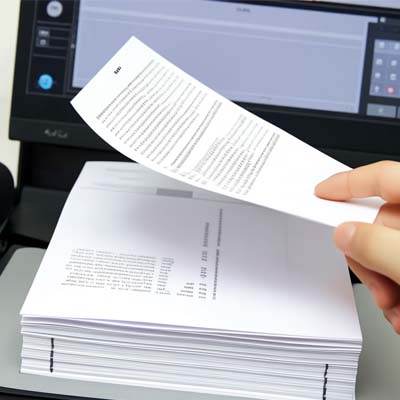
Detect headers, paragraphs and page numbers to get copy‑ready content fast and improve organization efficiency.
Your files are processed securely on our servers and deleted after processing completes. We may log basic metadata for service improvement purposes only.
We do not share your files or extracted content with third parties. Your data is handled with care and in accordance with our service operation needs.
Convert image to text in seconds with our advanced OCR technology. No waiting, instant results for all your documents.
Industry-leading accuracy powered by AI. Extract text from images, PDFs, and scanned documents with precision.
Your files are processed securely on our servers and deleted after completion. Fast, reliable OCR with care for your data.
Daily Capacity
OCR Accuracy
Languages Supported
Free Forever
Image to text free is a powerful online OCR (Optical Character Recognition) tool that converts images, PDFs, and scanned documents into editable text. It's completely free with no registration required, supporting 30+ file formats and 100+ languages.
Our free image to text tool supports 30+ formats including JPG, PNG, BMP, TIFF, GIF, PDF, AI, EPS, PSD, XPS, DjVu, and RAW formats (CR2, NEF, ARW, DNG, RAF, etc.). Maximum file size is 10 MB per upload.
Our OCR technology delivers 98%+ accuracy for printed text and 95%+ for handwritten content. The AI engine continuously learns and improves to provide the best image to text free experience.
Typically 1-3 seconds per image. Our advanced parallel processing technology ensures lightning-fast conversions, making it one of the fastest free image to text tools available.
Yes! 100% free forever with no hidden costs, trials, or subscription plans. We believe everyone should have free access to quality OCR technology for converting images to text.
Absolutely. Your files are processed securely and removed after processing completes. We never share your files with third parties. Your privacy is guaranteed when you use our image to text free converter.
Over 100 languages including English, Chinese, Japanese, Korean, French, German, Spanish, Arabic, Russian, and many more. Our multilingual OCR handles virtually any language.